

Slack
0.0.4
Slack Webhook
langgenius/slack3 installs
Overview
Slack is a cloud-based team communication platform designed to enhance collaboration and streamline workflows within organizations.
You can use the Slack tool to send messages in a channel via a bot with the output variables from Dify workflow.
Configure
Create an application in Slack
- Log in to the Slack API platform.
- Click Create an App.
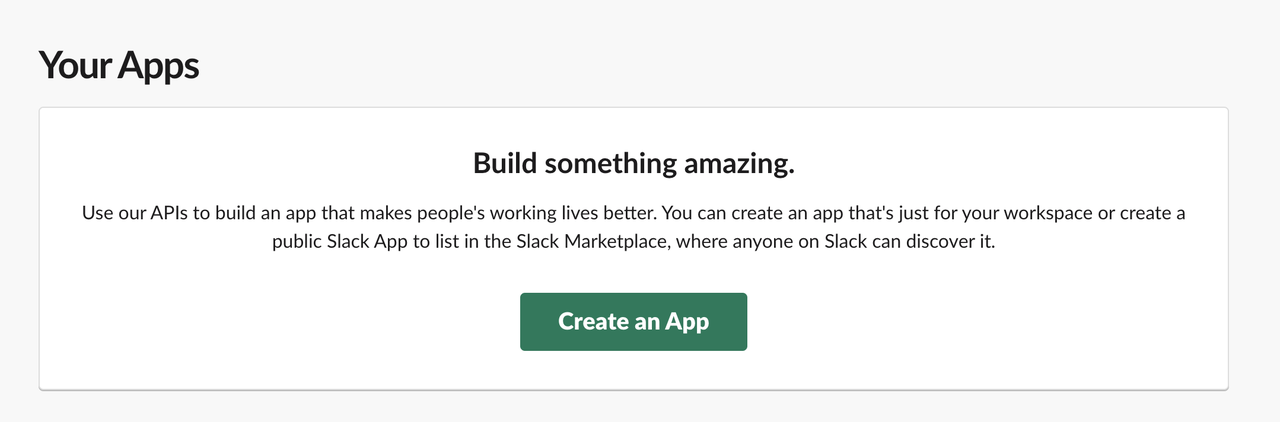
- Click From scratch.
- Enter the App Name and select a workspace, then click Create App.

- Go to app settings page. Click Incoming Webhooks in the app settings page's left navigation bar.
- Enable Activate Incoming Webhooks. At the bottom of the page, click Add New Webhook to Workspace and select an app publishing channel.
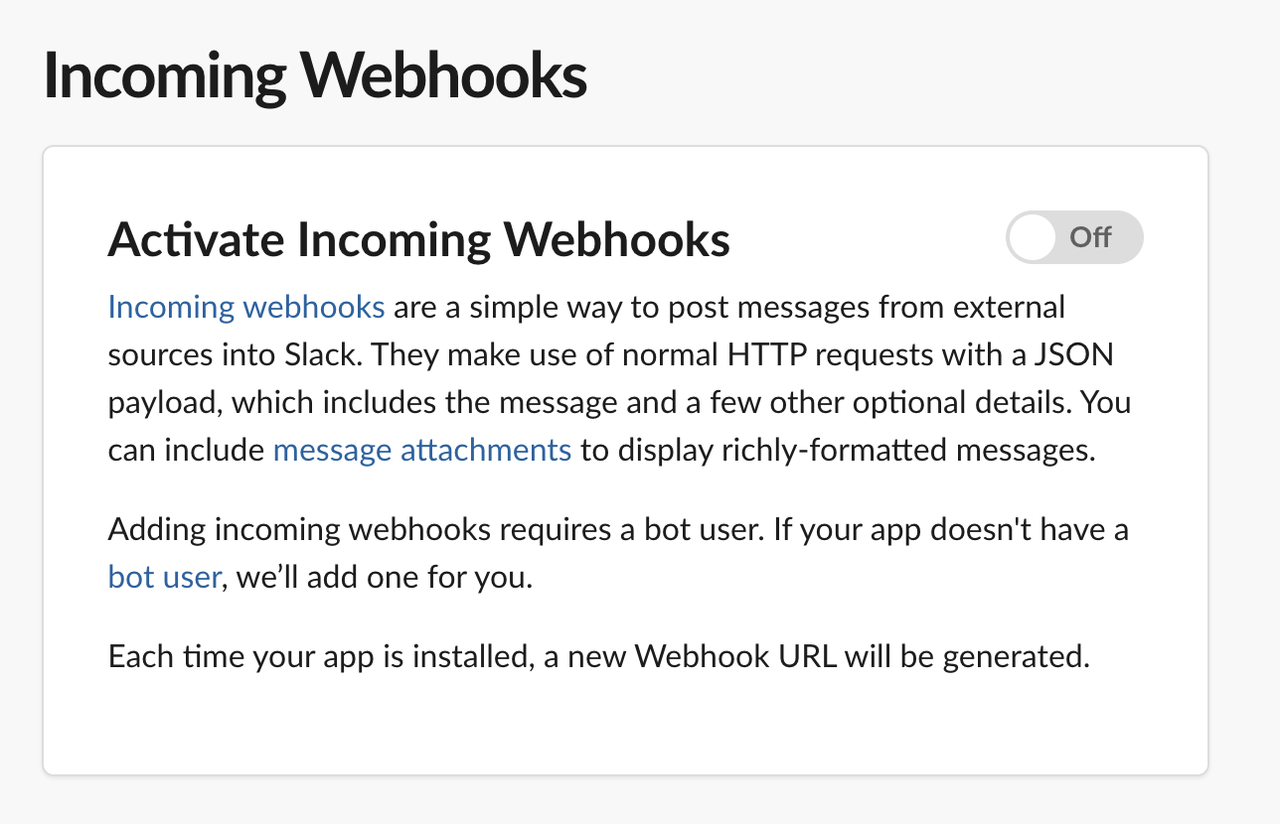
- Return to Incoming Webhooks, and copy the webhook URL.
Configure Slack tool
- Install Slack tool from Marketplace.

- Add Slack node to workflows.
- Paste Incoming Webhook.
CATEGORY
Tool
TAGS
PRODUCTIVITYSOCIAL
VERSION
0.0.4
langgenius·09/30/2025 09:25 AM
REQUIREMENTS
LLM invocation
Tool invocation
Maximum memory
1MB