

Bocha is a Chinese search engine for AI, you can get enhanced search details from billions of web documents, including weather, news, wikis, healthcare, train tickets, images, and more.
Bocha
Overview
Bocha is a Chinese search engine for AI, you can get enhanced search details from billions of web documents, including weather, news, wikis, healthcare, train tickets, images, and more.
Bocha offers two tools: Bocha Web Search and Bocha AI Search, designed to connect your LLM applications to the world, and access clean, accurate, high-quality context.
1. Bocha Web Search
Search with Bocha Web Search API and get enhanced search details, including page titles, urls, snippets, site names, site icons, publication dates, images, and more.
2. Bocha AI Search
Search with Bocha AI Search API, recognizes the semantics of search terms and additionally returns structured modal cards with content from vertical domains.
Configuration
1. Apply for an API Key
Apply for an API Key at Bocha AI Open Platform.
2. Get Bocha Tools from Plugin Marketplace
The Bocha tools can be found in the Plugin Marketplace. Please install them.
3. Fill in the Configuration in Dify
On the Dify navigation page, go to Tools > Bocha > Authentication to enter the API Key.
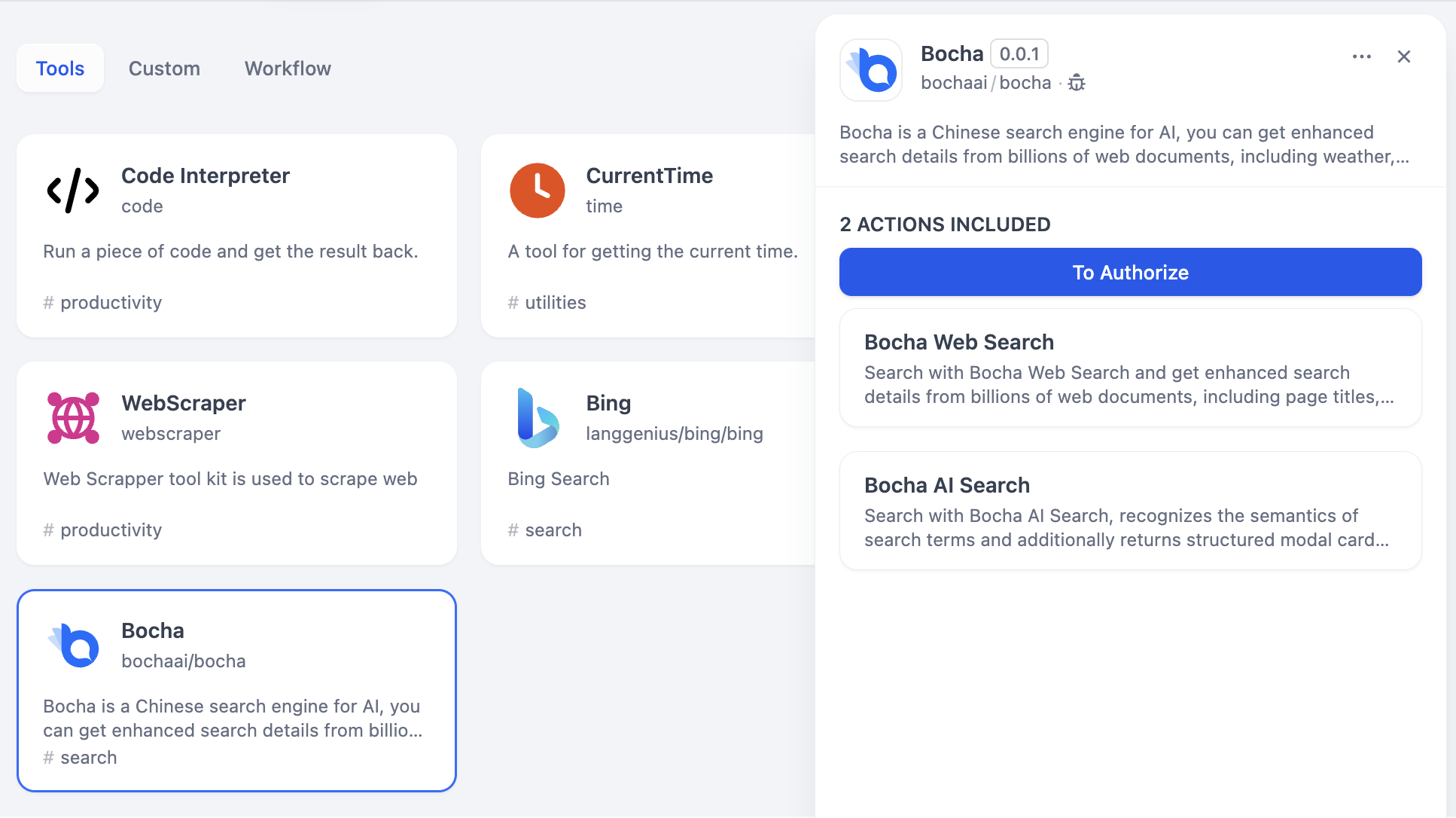
4. Using the Tool
You can use the Bocha tool in the following application types:
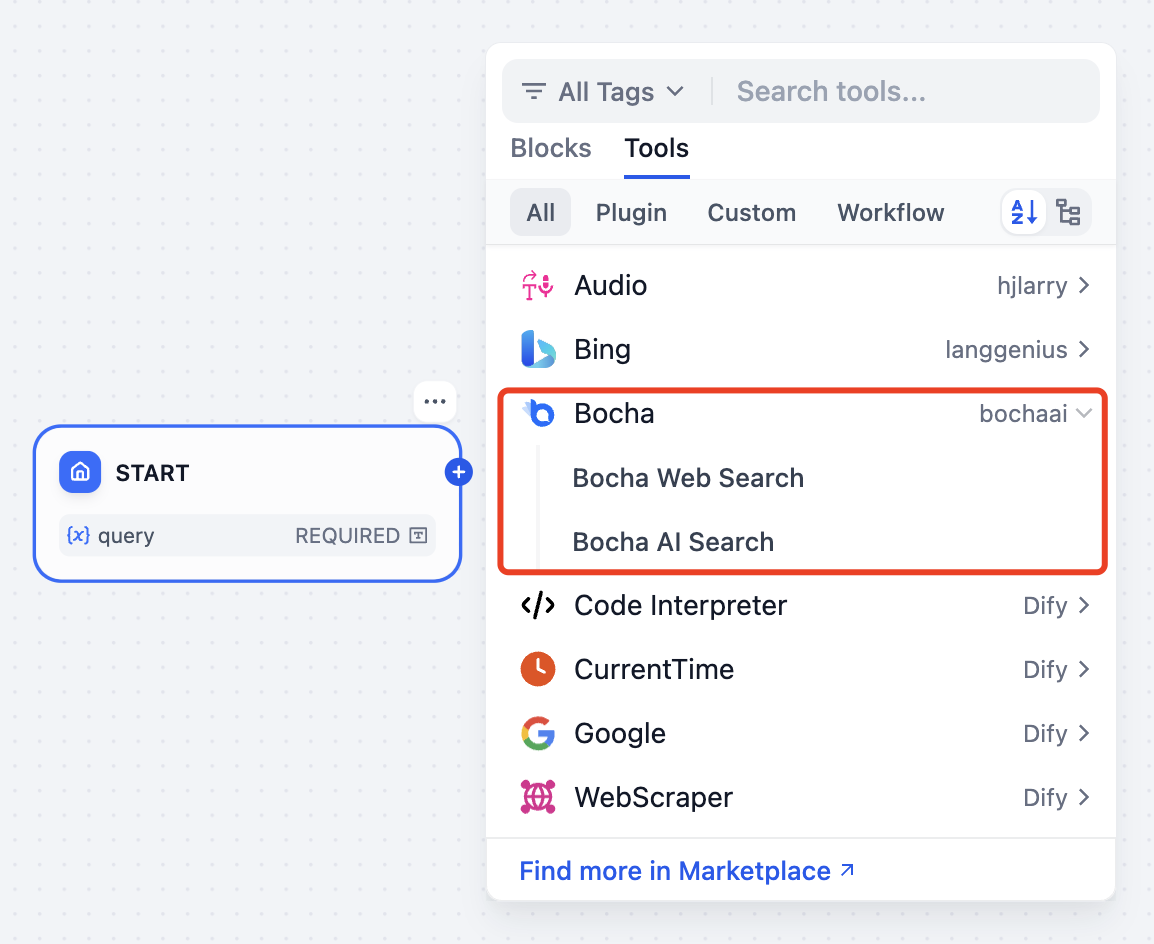
Chatflow / Workflow Applications
Both Chatflow and Workflow applications support adding Bocha series tool nodes, providing two tools:
- Bocha Web Search
- Bocha AI Search
Agent Applications
Select the Bocha tool you need to add in the Agent application, then enter commands to call the tool.